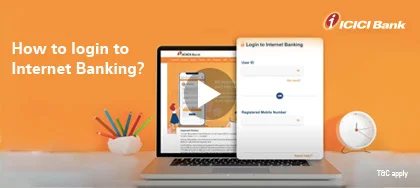
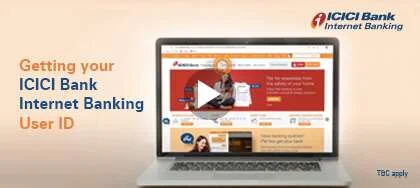
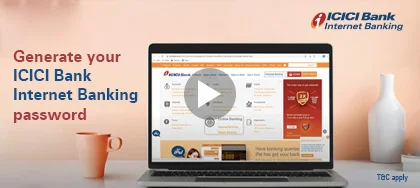
Manage your finances conveniently and securely with ICICI Bank Internet Banking, right from the comfort of your home or your office. Getting started with our Internet Banking portal is simple. All you need is your user ID and password to use our internet banking services.
If you have opened an account with us recently, you can find your user ID and password for our Internet Banking facility in the Welcome Kit you received at the time of opening of your account.
In case you have forgotten your login credentials, you can get your user ID instantly on your registered mobile number. Then, using that information you can set a new password online.
If you do not have a registered mobile number, don’t worry. You can still get your user ID and password and avail of our Internet Banking services. Simply visit the nearest ICICI Bank branch or call our customer care to place a request for your user ID or password. You can also walk to the nearest ATM and register your mobile number.
There are some things you need to be aware of before you place a request for a new password. We have listed them below:
Internet Banking for Credit Card holders
Access our Internet Banking portal and avail of our services, even if you only hold a credit card with us. Here’s how you can log in to your account.