Your phone buzzes...

APRIL 2026 | VOL. 59
Share


Stay Alert for KYC Frauds
2-minute read

What would you do?

If you chose Option 2, you just saved yourself from a scam.
Because this is exactly how most KYC frauds begin.
But before we see how the fraud unfolds, let’s understand what KYC is.
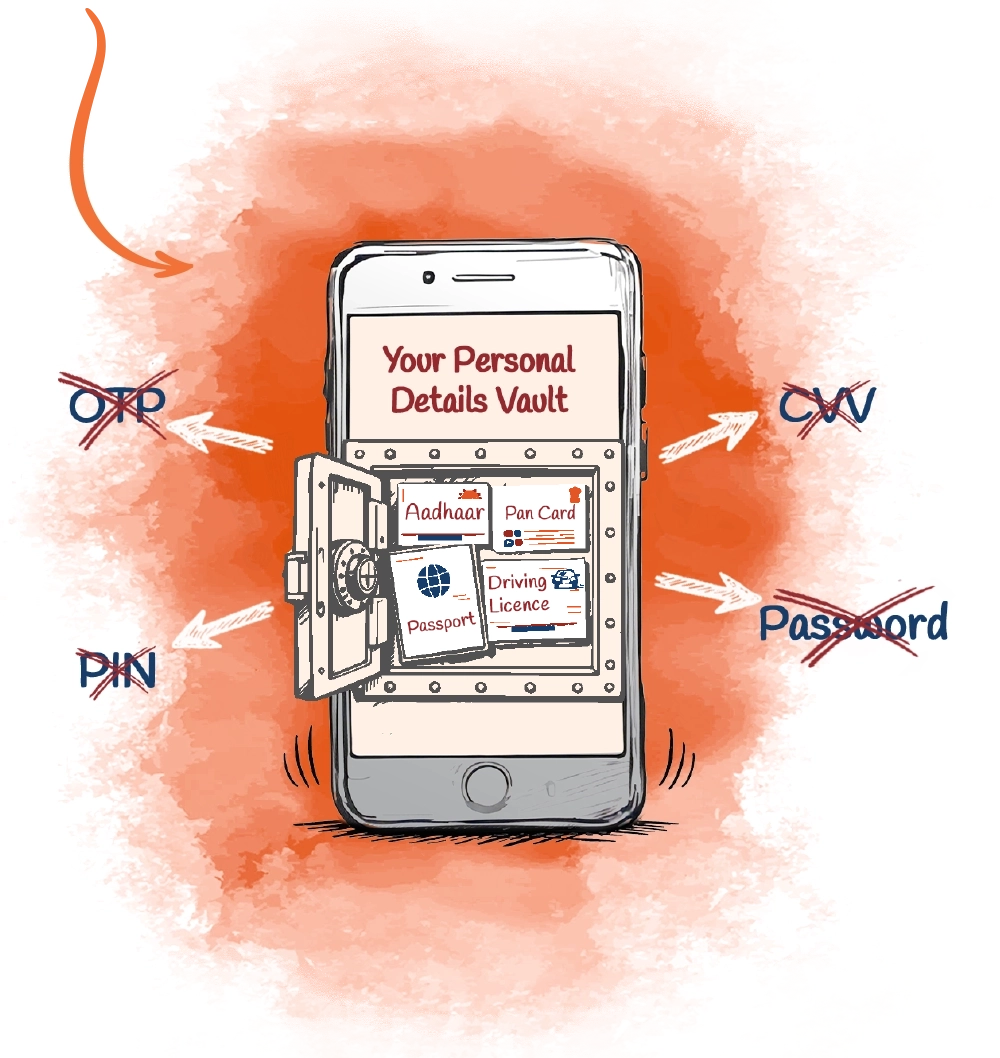
KYC (Know Your Customer) is a regulatory process where banks verify a customer’s identity using valid documents such as:

Aadhaar Card
PAN Card
Passport
Driving Licence
Remember:
Banks do NOT ask for sensitive details like OTPs, PINs, CVV, Passwords or screen-sharing access for KYC updates.
So, what is KYC fraud?
KYC fraud happens when fraudsters impersonate bank officials and contact customers through:

They create urgency using familiar lines like:

They then trick customers into sharing confidential details or installing malicious apps.
Common tactics used by fraudsters:

Asking for OTP, PIN, CVV or Net Banking password

Sending links to fake websites/apps that resemble bank websites/apps


Asking customers to download screen-sharing apps (AnyDesk, TeamViewer, etc.)
Requesting customers to scan QR codes for verification


Sending fake RBI/Bank notices
Remember:
Banks never ask for sensitive/confidential information over phone, SMS or e-mail.
How to safeguard yourself from KYC fraud:

Do not click on unknown/suspicious links received via SMS, WhatsApp or e-mail claiming to be for the purpose of KYC updates. These often lead you to unsecured websites.
Do not share OTP, PIN, CVV, passwords or Net Banking details with anyone, even if they claim to be from your bank.


Do not install apps suggested by unknown callers.
Verify KYC status only through an official bank branch or the official website/app of your bank.


Check website URLs carefully before entering details. Ensure the website where you upload your documents uses ‘https’ and has the official domain of the institution.
Enable SMS/e-mail alerts for transactions.


If you are a victim of online fraud, reach out to the National Cyber Crime portal at cybercrime.gov.in, call the helpline number on 1930 or call ICICI Bank's helpline number on 1800 2662.
If you have received any malicious/phishing/suspicious e-mails or calls, please report these to Sanchar Saathi at sancharsaathi.gov.in/ and ICICI Bank at antiphishing@icici.bank.in.
Stay vigilant. Stay safe.


