
NOVEMBER 2025 | VOL. 54
Share




Safety of Children in the Digital World: How Parents Can Protect Kids from Online Risks
It is as important as keeping them safe in the real world.
2-minute read
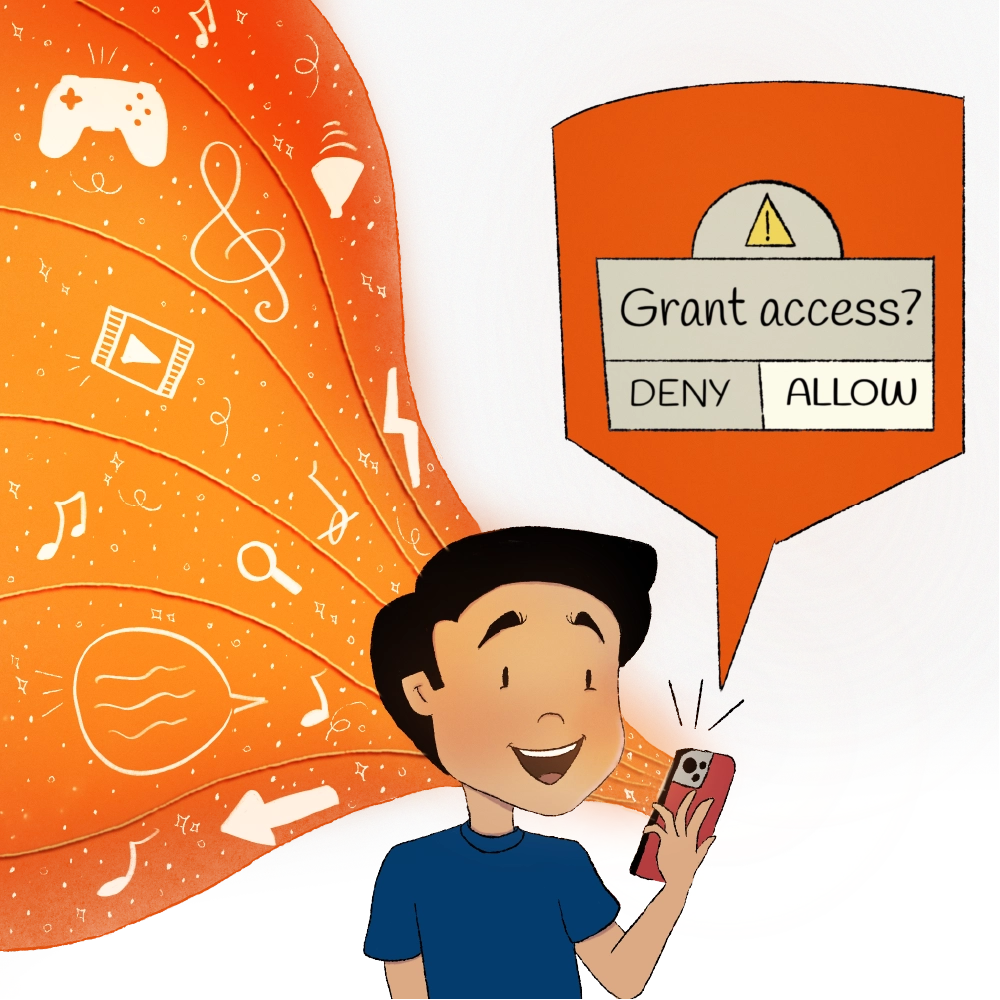
We have all done it. You are at a restaurant, waiting for food. Your child is restless. To buy yourself 10 minutes of peace, you hand over your phone. “Here, play this game.”
Your child gets distracted.
That little act of convenience could open up a whole new set of problems. Children often just want the game or video to continue, so they may tap ‘OK’ or ‘Allow‘ in various pop-ups without thinking and accidentally download malicious APKs files.
That single click can be all that scammers need to access your personal data.
The Hidden Digital Risks Parents Must Know About
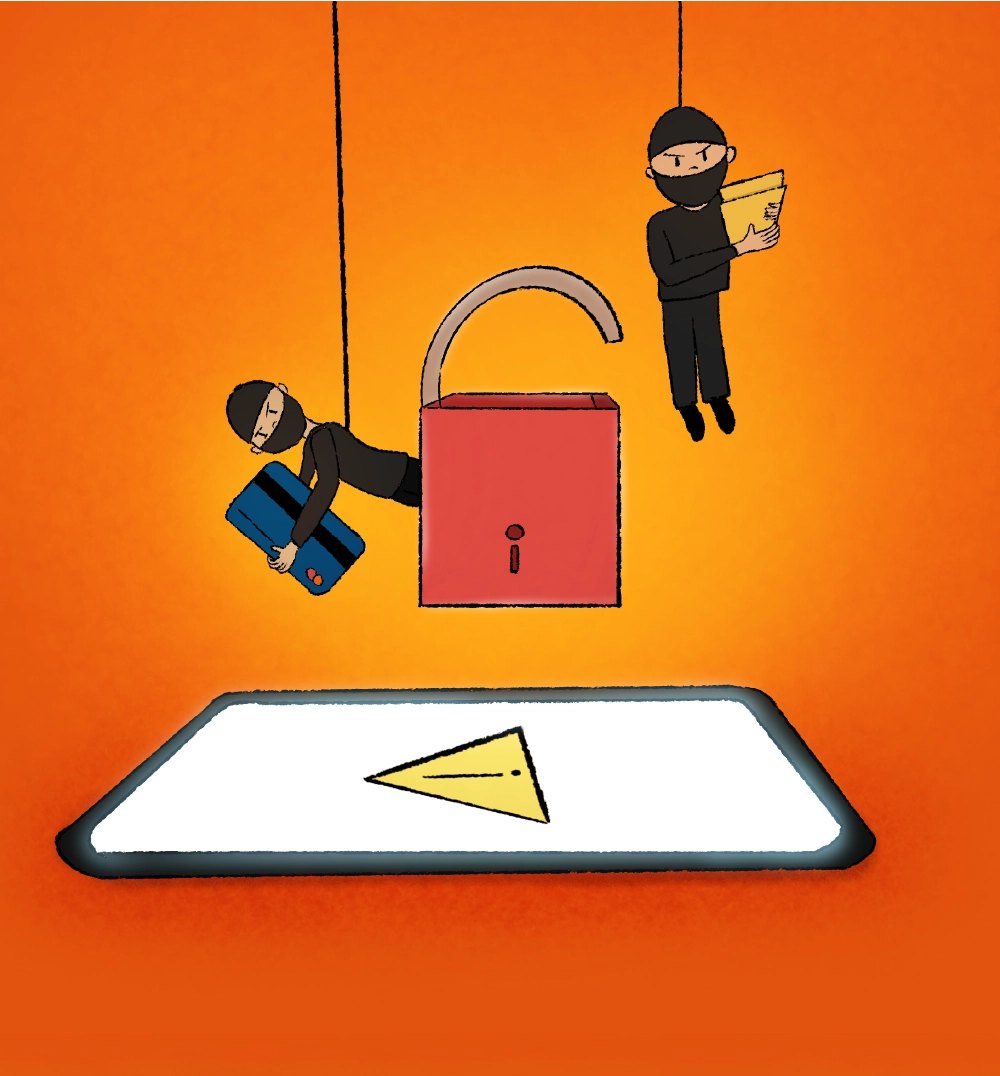
Imagine taking your child to the park. Normally, you would scan the area: Are the swings safe? Is the slide too high? Are there strangers lurking around?
Now, think of your smartphone as another kind of park – a virtual one. And this one has no clear fences, no guards and often, no warning signs.
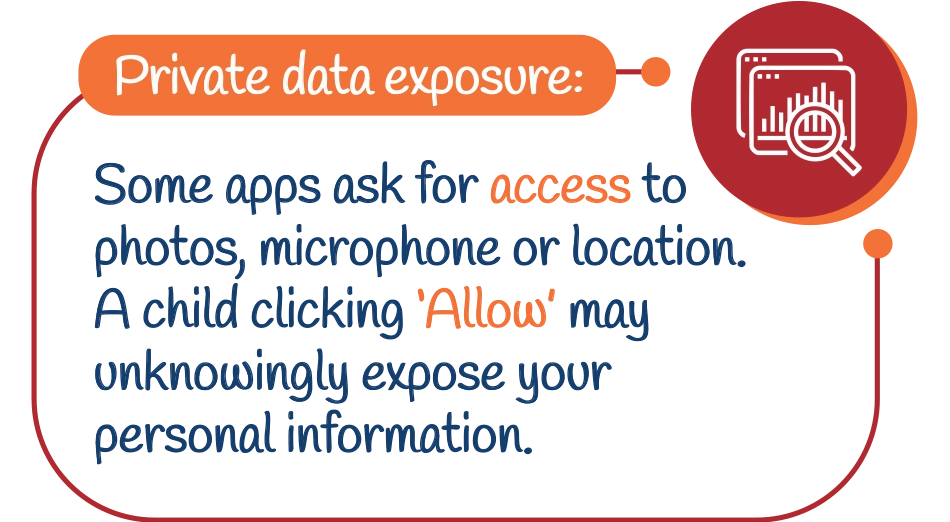
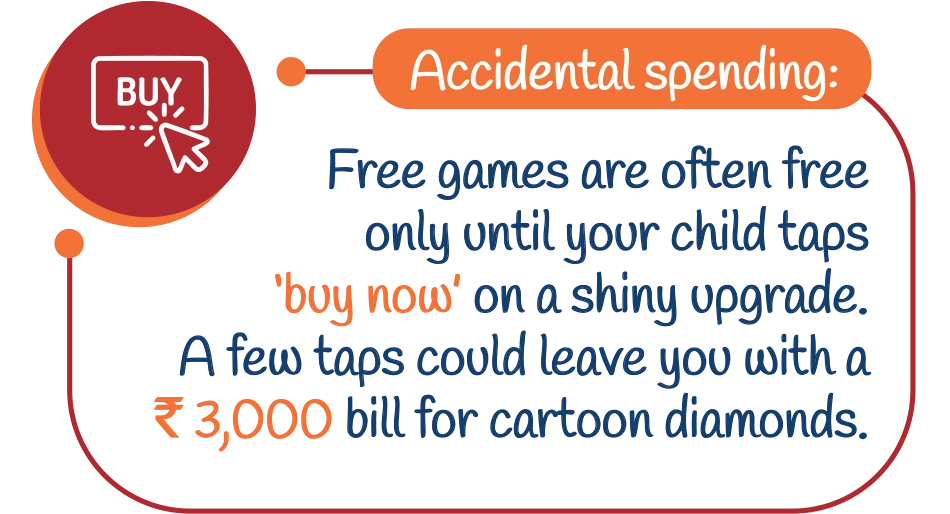
Here is what could happen when children enter here unaccompanied:
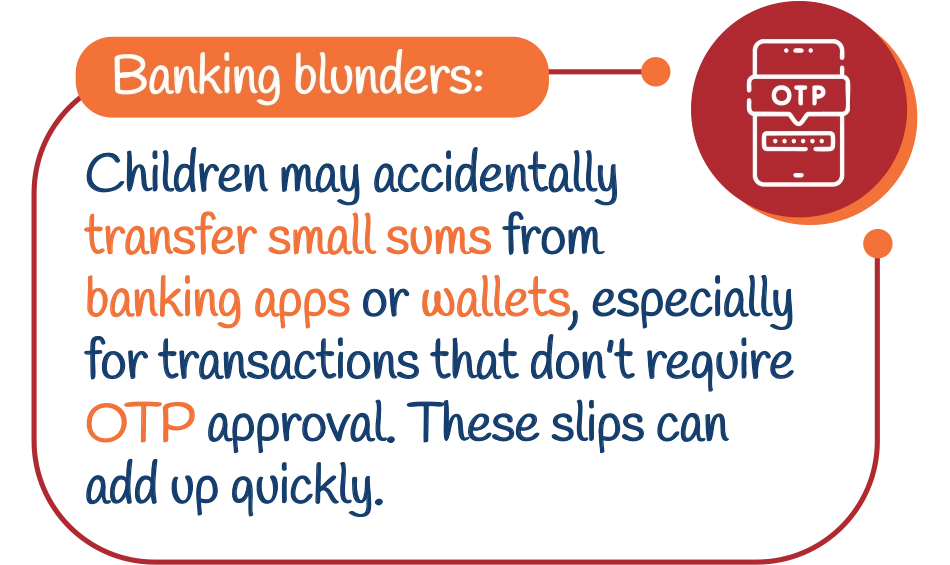

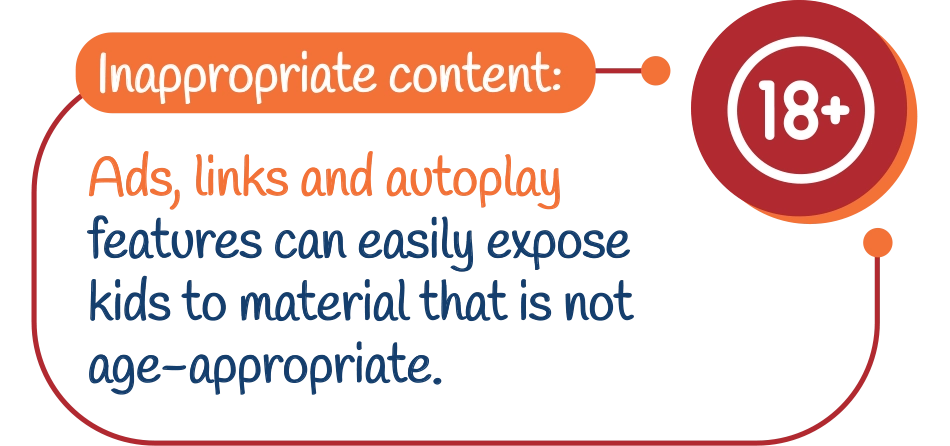
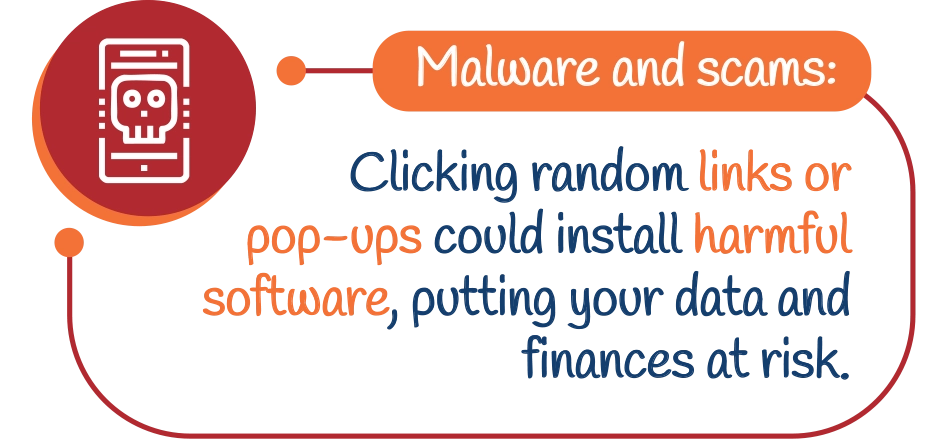
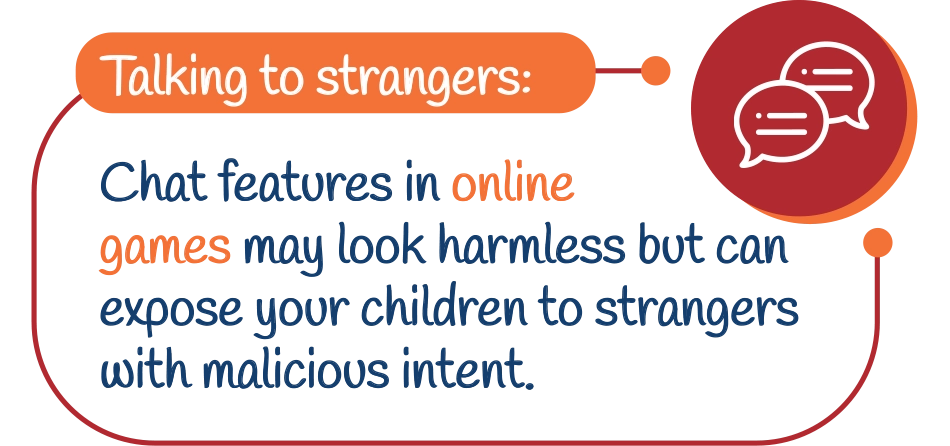
What Can Parents Do to Ensure Digital Safety for Children?

The good news? You don’t need to snatch the phone away or ban your child from using it. With a few smart moves, you can create a safer digital space.

Create a Kid Zone:
Most smartphones today allow you to create a separate child profile. Only apps you approve appear there, like a fenced-off play area within your phone.
Lock Up Important Apps:
Banking apps, shopping apps, app stores and messaging apps should be secured with an extra password or fingerprint. Even if your child stumbles into the wrong folder, they can’t go further.


Use UPI Lite for Small Payments:
If your child uses UPI for school or pocket money, set up UPI Lite. It allows safe small transactions while protecting your main balance.
Choose Apps Like Toys:
Just as you wouldn’t buy a toy without safety checks, don’t download apps without reviewing ratings, age guidelines and privacy policies.


Teach the ‘Ask First’ Rule:
Train your child to pause before clicking. Permissions in pop-ups, ads or apps should always trigger one rule: come and ask you first.
Install Reliable Antivirus Protection:
This adds a crucial layer of security against harmful downloads, phishing links or malware.


Co-Play Sometimes:
Sitting with your child while they play or watch content builds trust and gives you a real-time view of what they’re exposed to.
The Bigger Picture:
Creating Safe Digital Habits for Kids

Technology is not the enemy. The right apps can help your child learn math, pick up new languages or spark creativity. The real danger lies in treating your phone as harmless entertainment.
Think of your smartphone as a playground, safe only when you set the right boundaries.


